
Expand Your Education Vision
Expand Your Education Vision
For your educational institutions, teachers and students

With its ease of use and powerful tools, Padlet makes it easy to bring your ideas to life and makes collaborative work more creative and enjoyable! As a web-based collaboration platform, teachers and students can create digital boards to share, edit, and collaborate on different content such as text, images, videos, links, and documents.
Padlet for Schools is a flexible platform that offers various use cases for teachers, students, and educational teams.
In addition, Padlet can also be used by different educational groups for joint project management, idea collection, document sharing, and collaboration.
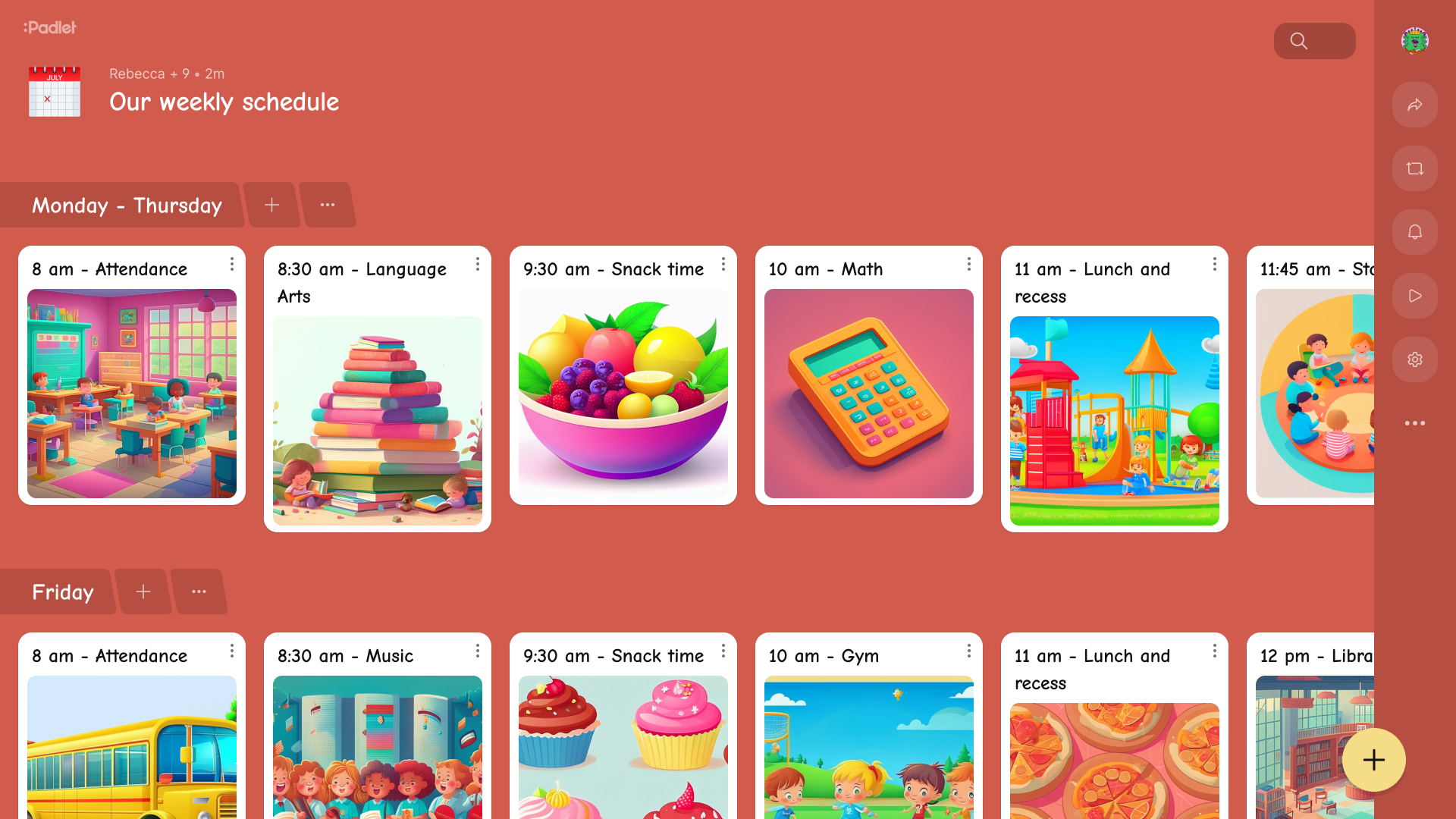
Boards allow you to collect different content such as text, images, videos, links, and documents on a single page. Padlet boards can be organized with various templates; so the content is displayed in a visually appealing and organized manner. Boards are suitable for individual use as well as group work; teachers and students can simultaneously contribute to the board and share their ideas.
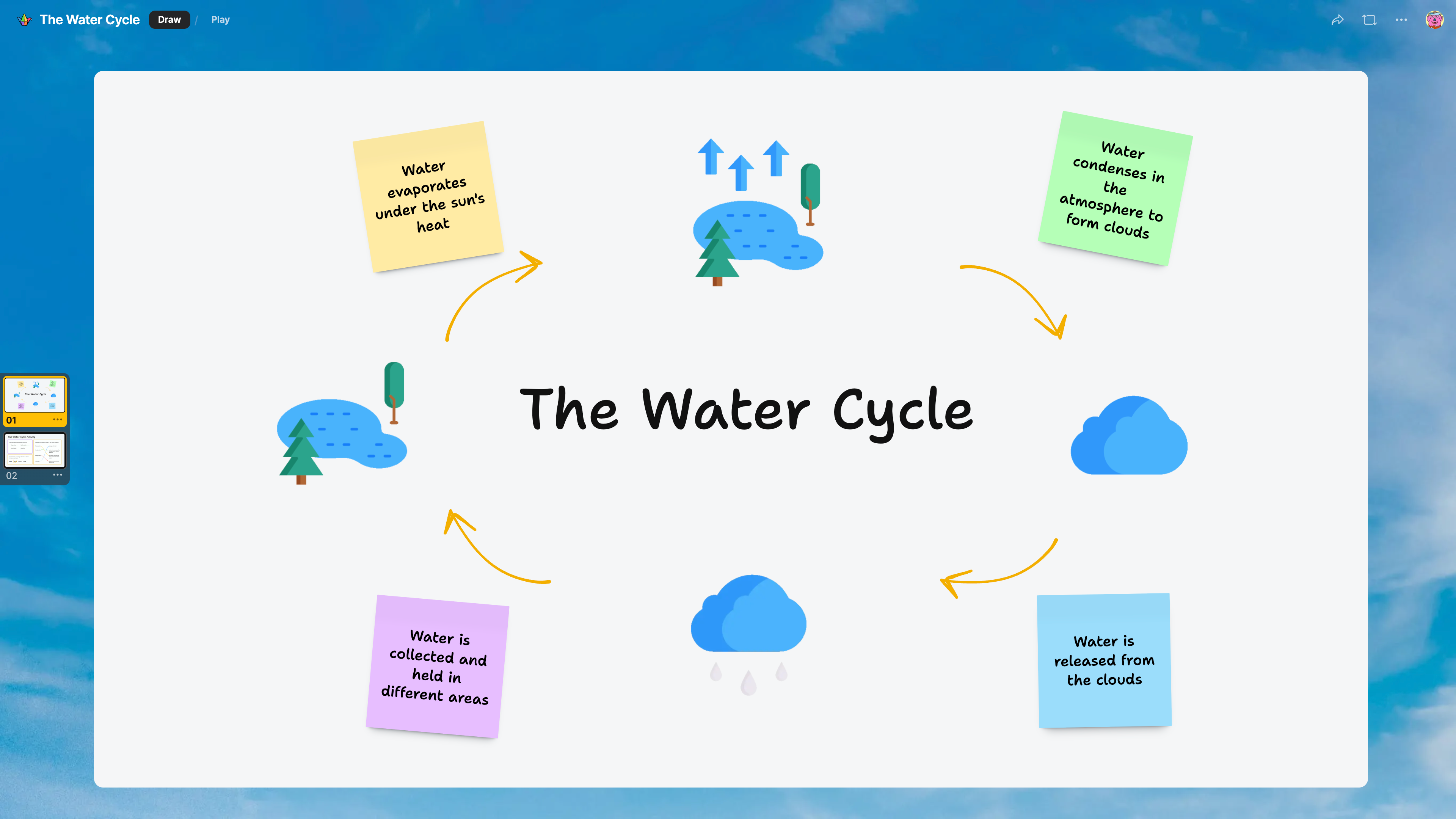
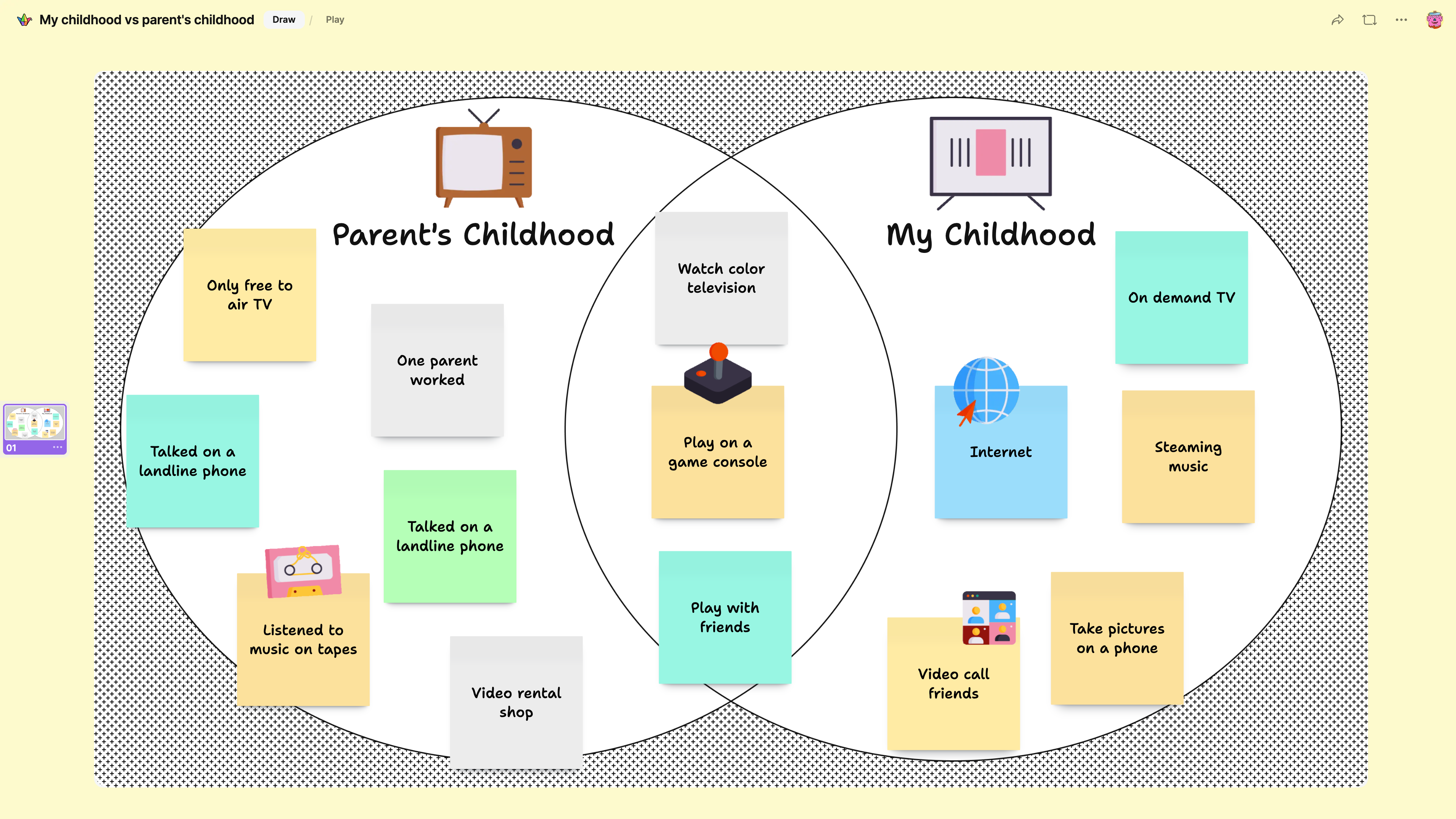
Sandbox is a digital workspace where users can freely create creative content. Just like a digital canvas, it allows you to freely place different content such as text, images, videos, and drawings. It is more suitable for brainstorming, creative thinking, and draft work. The digital canvas includes many ready-made templates such as concept maps, hierarchy diagrams, cause-and-effect tables, Venn diagrams, or number lines. You can start with one of these templates, add drawings, record videos, or upload files.
Padlet Teacher Assistant (TA) is an AI-powered teaching assistant that helps you create engaging and fun instructional materials. All you need to do is select a tool from the control panel to produce countless creative learning materials; then fill in the prompts and add the external media you want to include. With Padlet TA, you can create Flashcards, Sorting and Matching games, Multiple Choice Tests, Lesson Plans, Worksheets, and much more.
It is possible to share different media types such as text, images, videos, documents, and links within the same board.
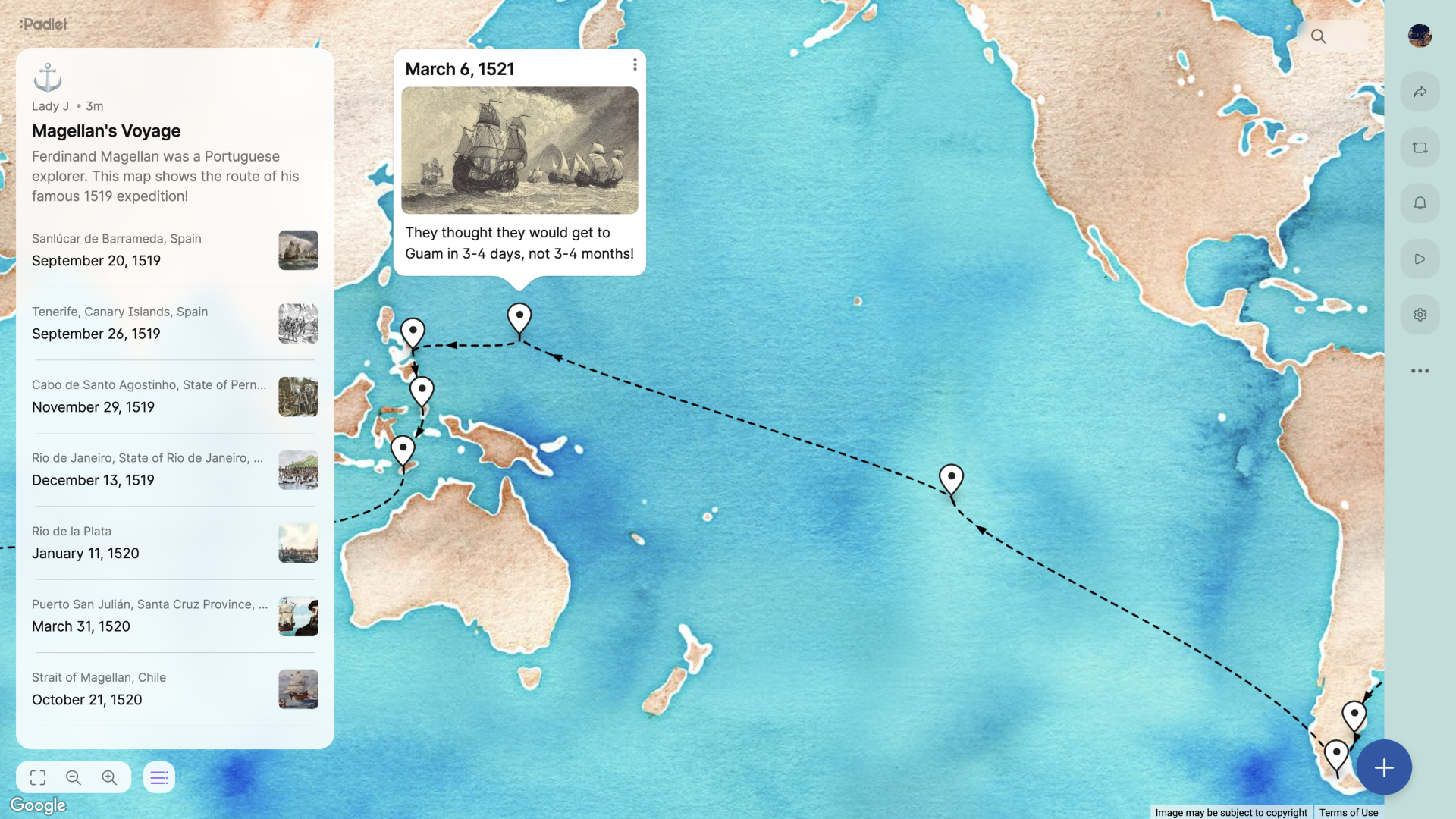
Content can be organized visually and neatly with layout options such as grid, free placement, timeline, wall, or map.
Multiple users can work on the board at the same time — add content, edit, and see others' shares.
The board can be shared via board link, QR code, and easy access can be provided to students or team members.
Can be used on different devices such as web browsers, iOS / Android apps; this increases accessibility and flexibility.
The board can be set to private, password-protected, accessible only to linked individuals — so who can see or edit is under control.
Thanks to the analytics in the admin panel, it is possible to track data on Padlet usage in your institution.
For individual use
For educational institutions
Copyright © 2025 Paragon Teknoloji All Rights Reserved.